Find your family’s address
- Open Settings, then Email & texting.
- Tap Copy beside the address under Email Rumpus.
- Or tap Add Rumpus to Contacts, so forwarding an email is as quick as typing “Rumpus”.
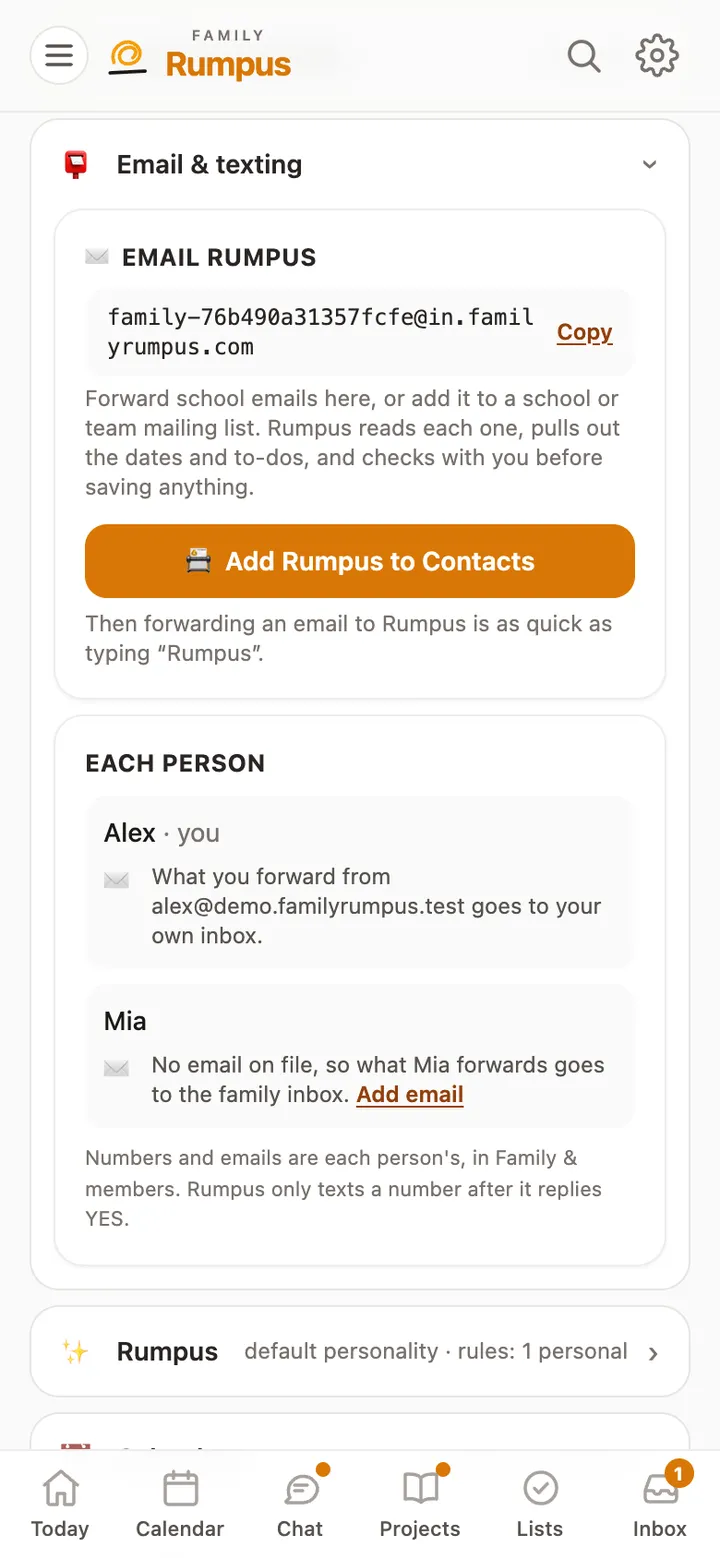
Your family has its own address. Rumpus reads what the school sends, finds the dates and to-dos, and asks you before adding them.
Rumpus reads only what is sent to your family’s address. It never signs in to your own email.
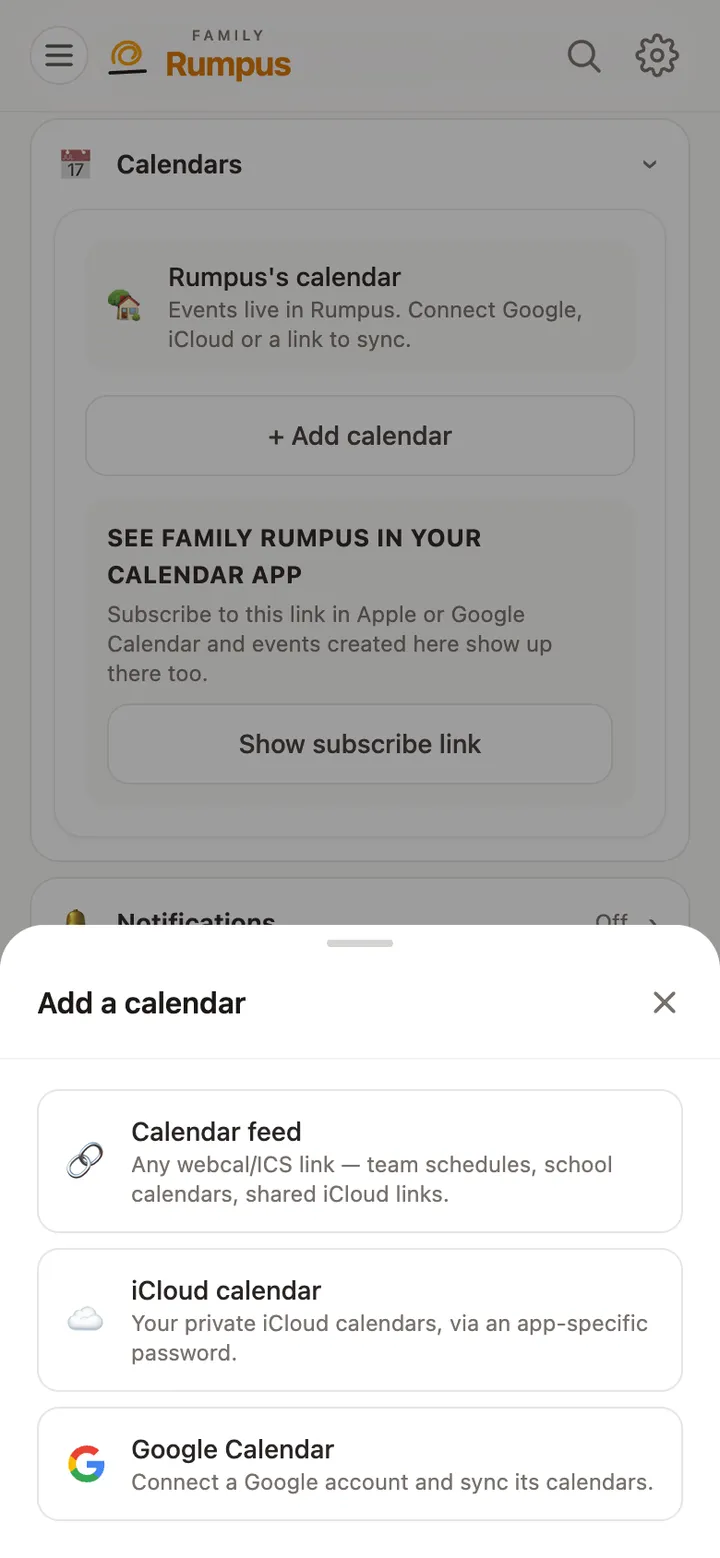
Bring Google, iCloud and school or team calendars into one family calendar, and see it in your phone’s calendar app.
Read the guide →
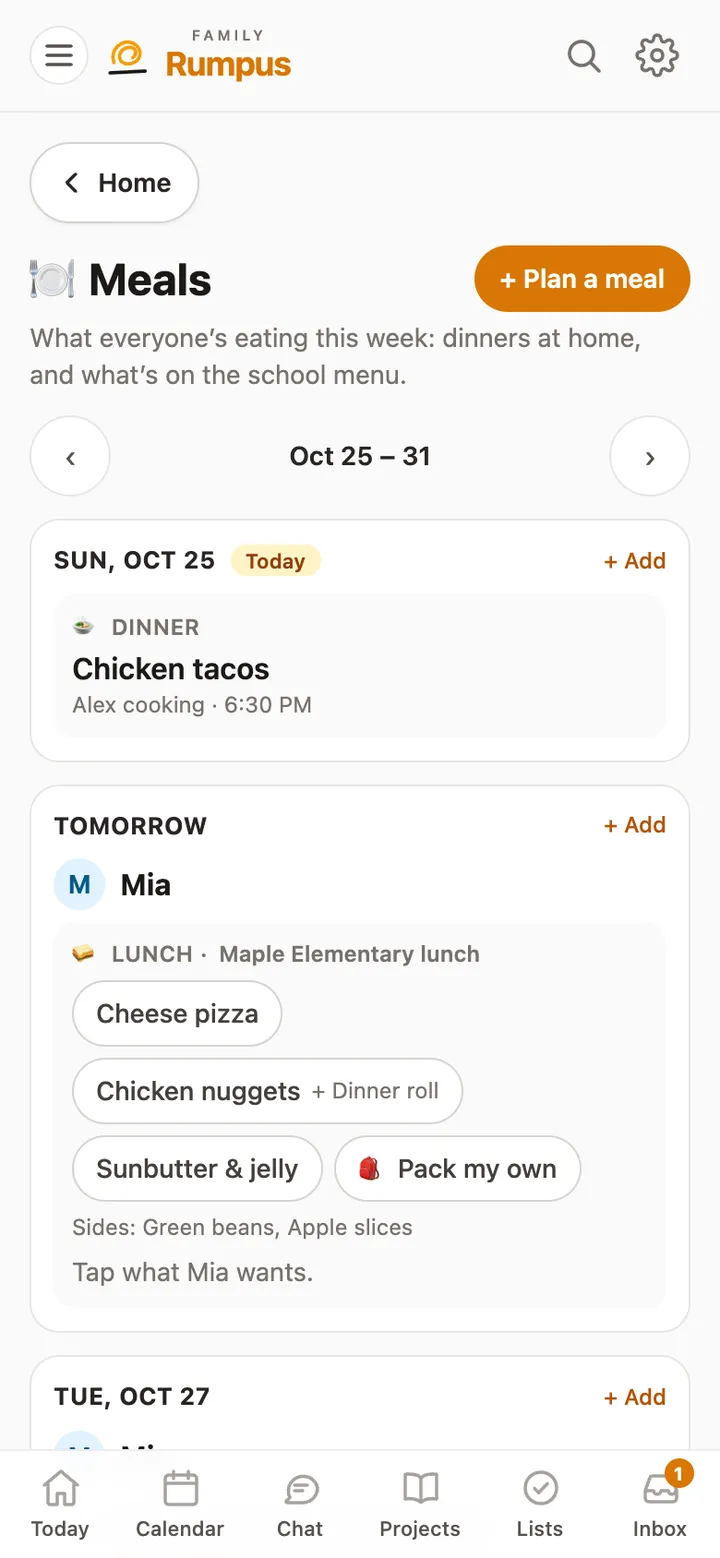
Plan the week’s dinners, keep the school lunch menu in one place, and let kids pick what they’ll have.
Read the guide →
Still stuck? Email [email protected] with what you tapped and what happened. A real person reads every message.