← Help & support
Grown-ups

Connect your calendars

Bring Google, iCloud and school or team calendars into one family calendar, and see it in your phone’s calendar app.

Add a calendar

  1. Open Settings, then Calendars, and tap + Add calendar.
  2. Google Calendar: sign in with Google.
  3. iCloud calendar: use your Apple ID email and an app-specific password, which you make at appleid.apple.com under Sign-In & Security. Your Apple ID password never goes into Rumpus.
  4. Calendar feed: paste a webcal or .ics link, like a team’s schedule or the school calendar. It refreshes every 30 minutes.
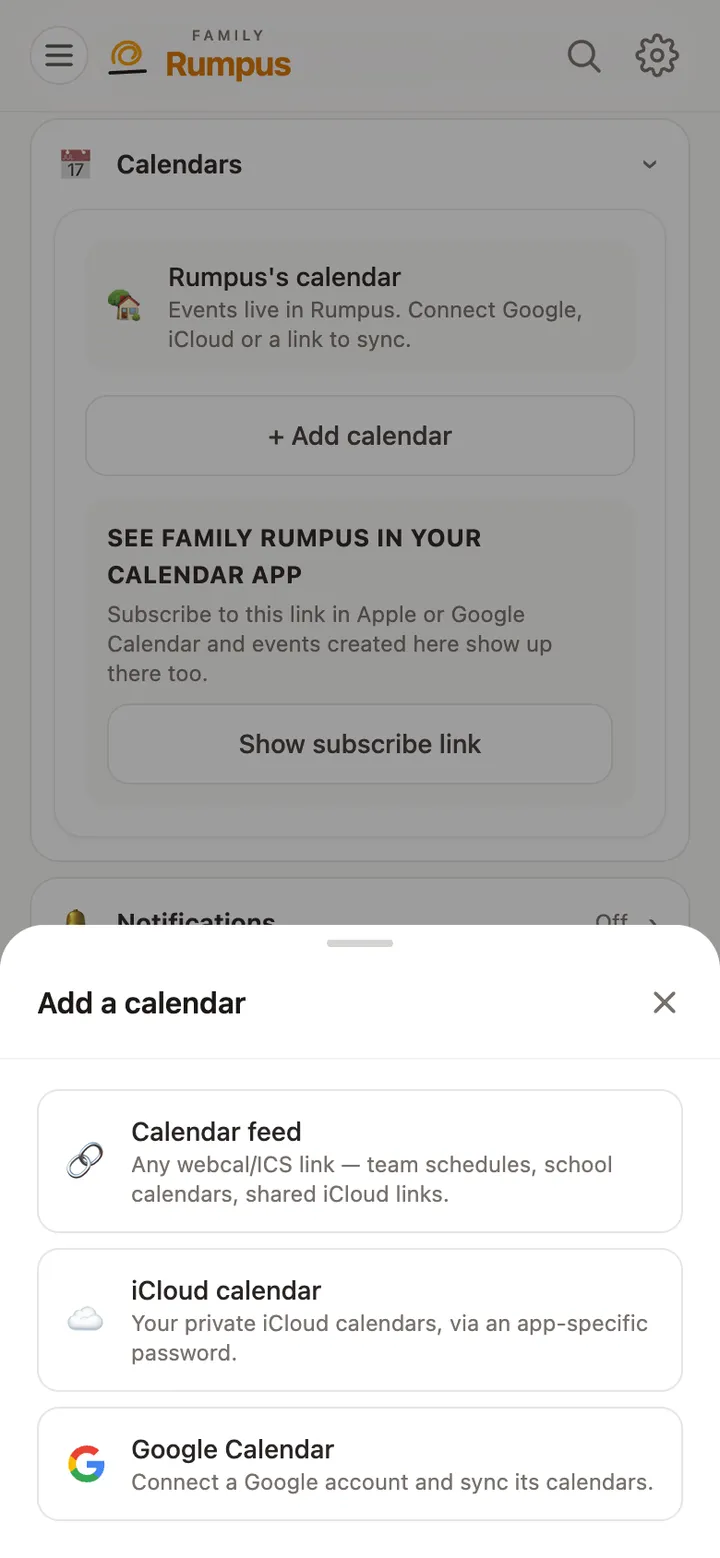
The Add a calendar sheet: Calendar feed, iCloud calendar or Google Calendar

See the family calendar on your phone

  1. In Settings, Calendars, tap Show subscribe link, then add it to your phone’s calendar app.
  2. Anyone with that link can see the whole family calendar, so give it only to grown-ups you trust.

You can also tell Rumpus in chat: “Soccer practice Tuesdays at 5 for Mia.”