← Help & support
Grown-ups

Your morning brief

A note each morning about the day ahead: the calendar, to-dos and weather, plus whatever else you ask for.

Say what you want in it

  1. Open Settings, then Morning brief.
  2. Under Your brief, your way, write what you’d like in your own words: what to lead with or skip, how much detail, pages to check, things to look up, and on which days.
  3. Tap Read it back to me. Rumpus tells you how it understood you, and nothing changes until you confirm.
  4. Your calendar, to-dos and the weather are always in it.
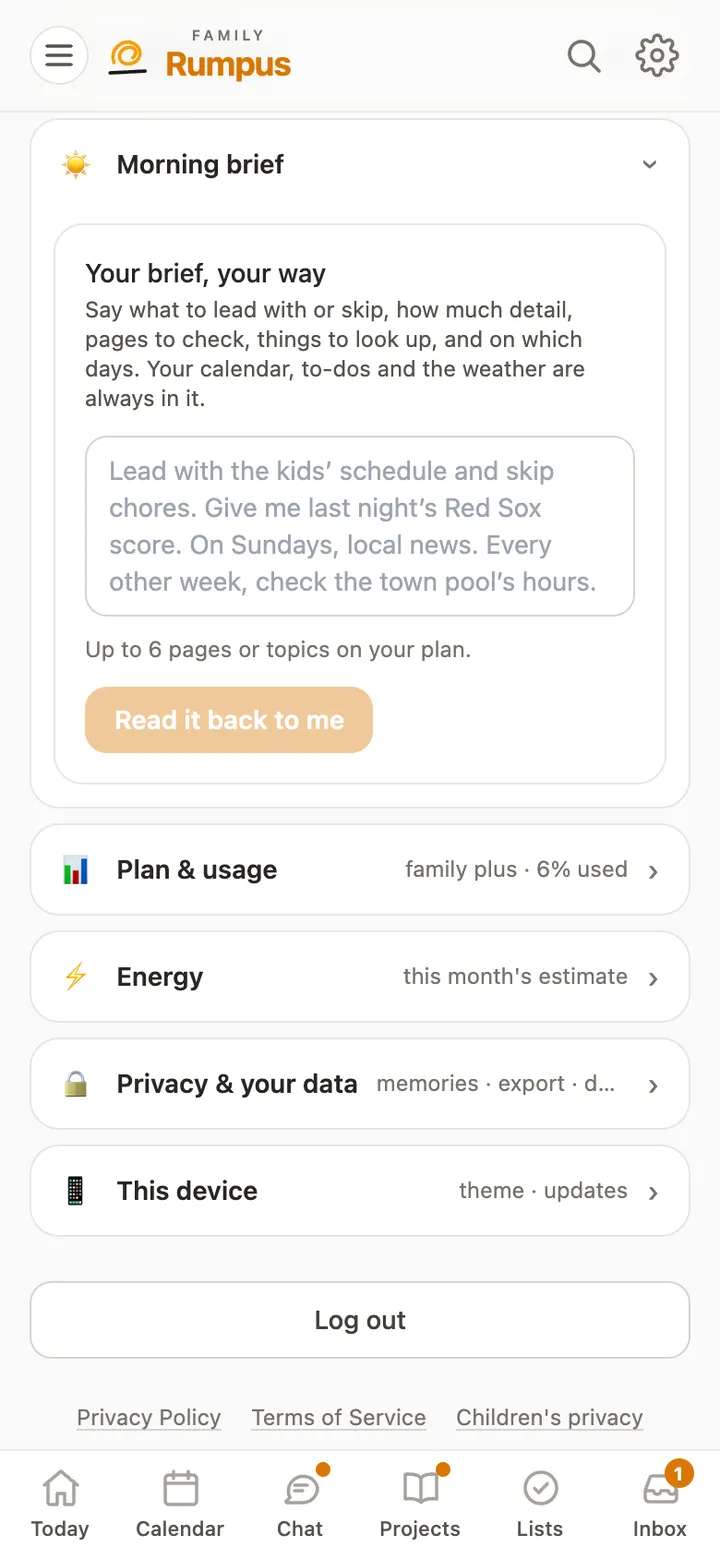
Morning brief settings: a box to describe your brief in your own words, and Read it back to me

Where it shows up

  1. Each morning’s brief is in your Inbox.
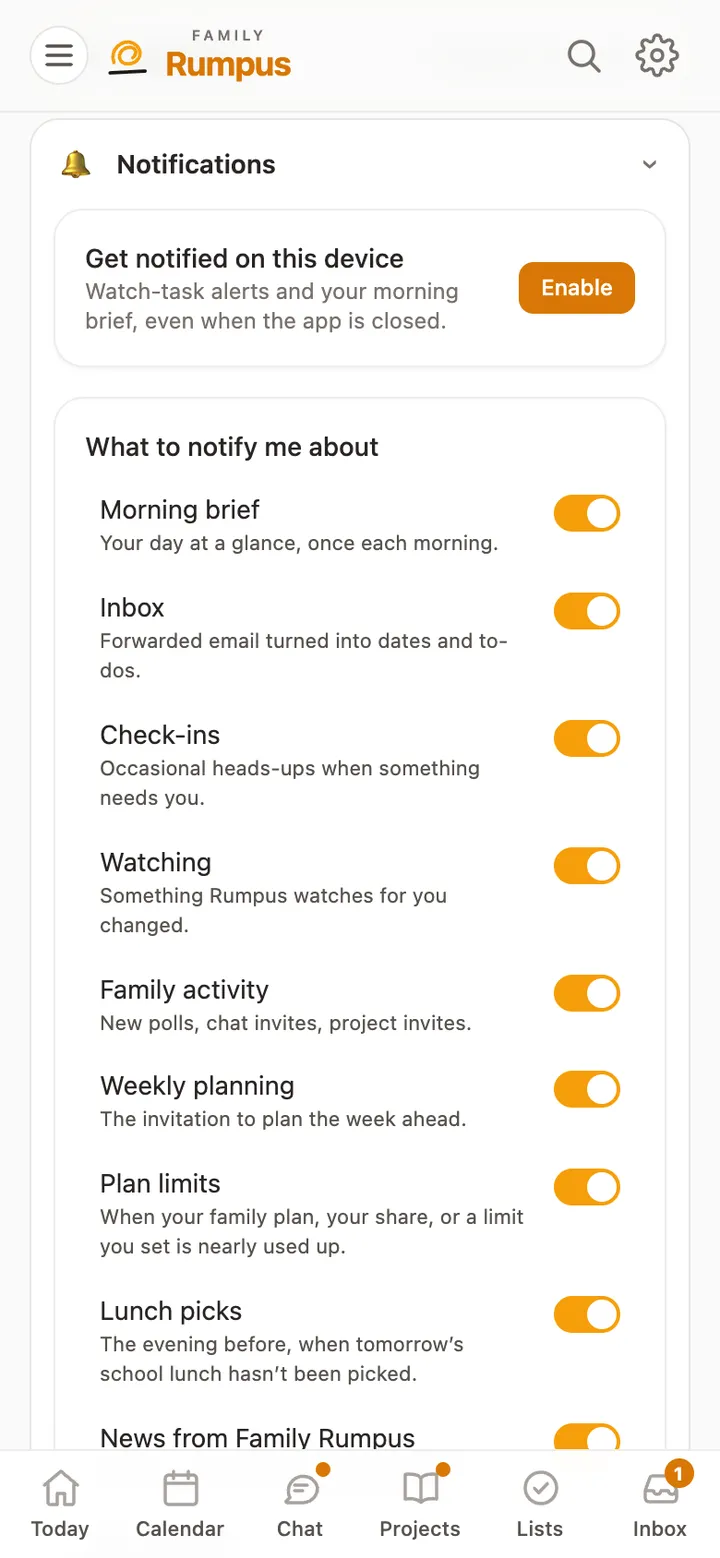
  2. It also comes as a notification when Morning brief is switched on in Settings, Notifications.
  3. Tap it to open the brief, then ask about anything in it.

A child gets their own brief only once a parent turns it on for them, and theirs is written for a child.