Start a project
- Open Projects and tap + New project.
- New projects start private. Share one with the family whenever it’s ready.
- In a chat, ask Rumpus to keep what it found there: “Put this in the Treehouse project.”
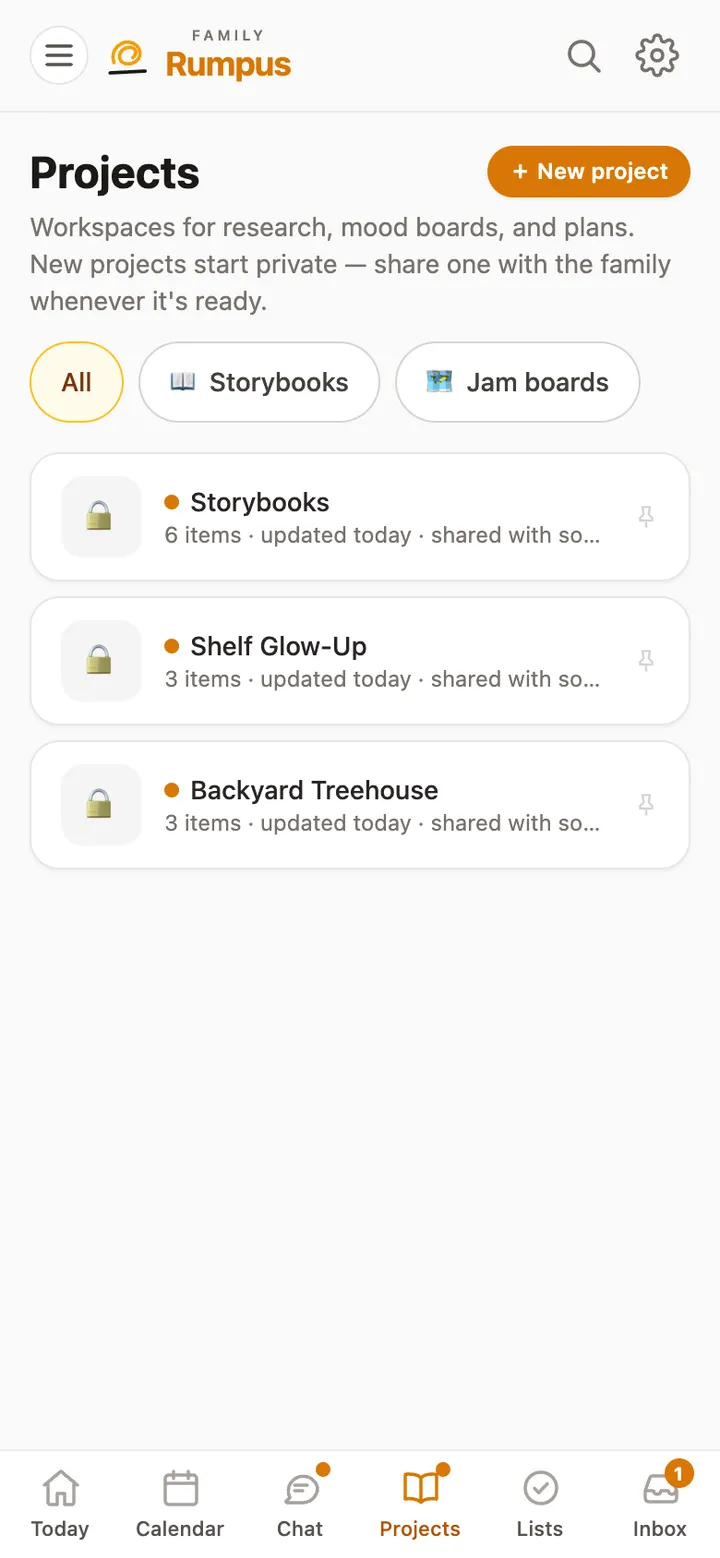
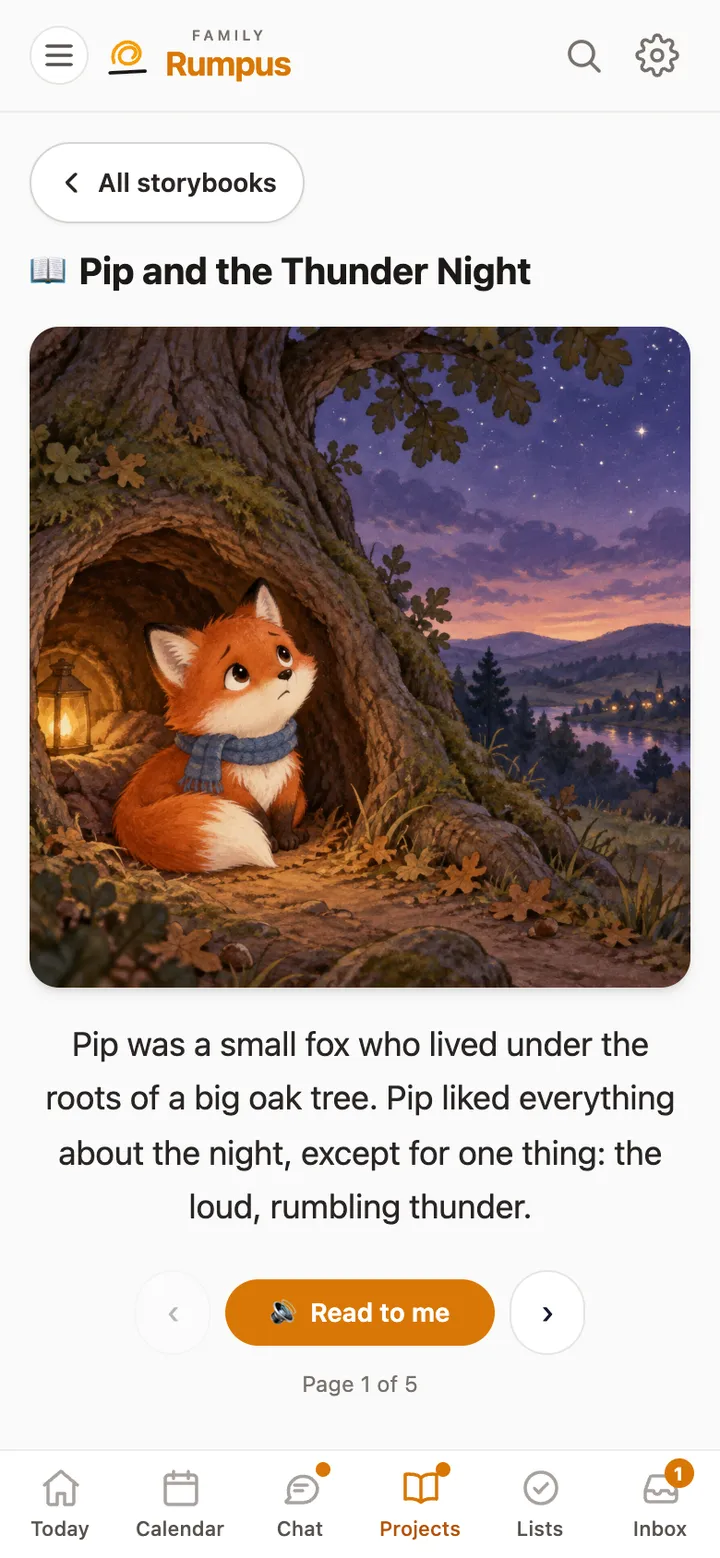
Keep research, plans and mood boards together, and make illustrated storybooks that read themselves aloud.
For a child, storybooks, making pictures, and songs and audio each have a switch a parent controls.
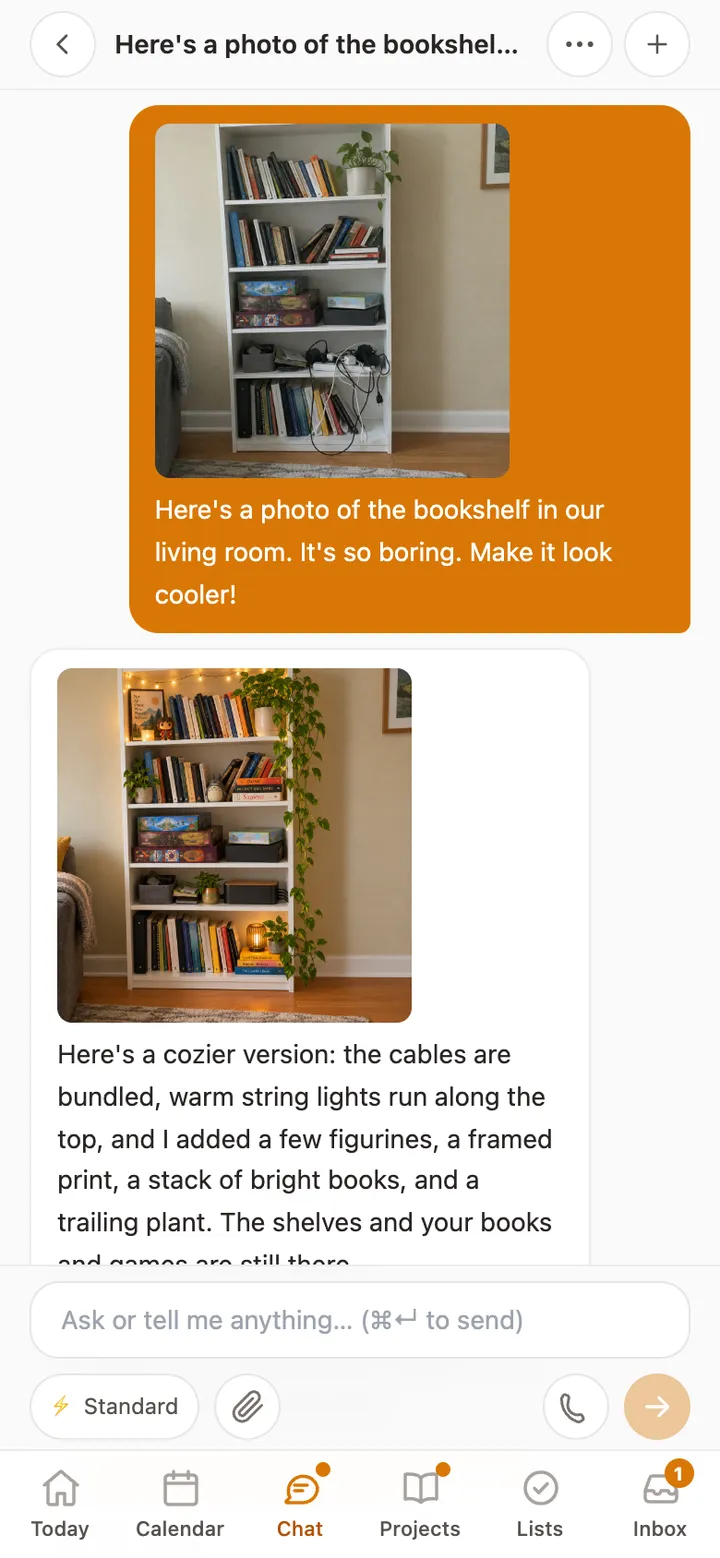
Show Rumpus a flyer, a lunch menu, a worksheet or a room, and say what you’d like done with it.
Read the guide →
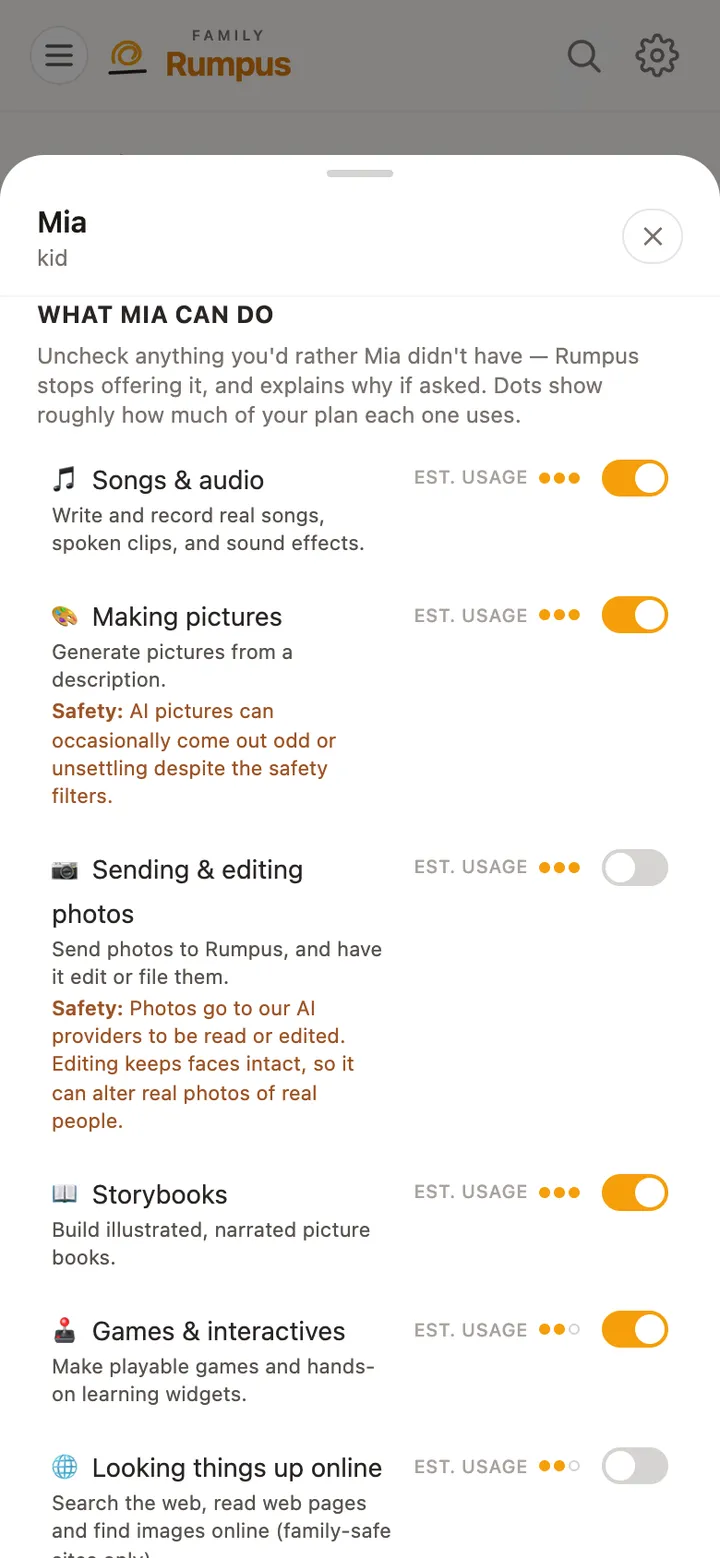
Decide what each child can use, set ground rules Rumpus follows with them, and read their chats when you need to.
Read the guide →
Still stuck? Email [email protected] with what you tapped and what happened. A real person reads every message.