Attach a photo or a file
- In any chat, tap the paperclip under the message box.
- Choose a photo, take one, or pick a PDF.
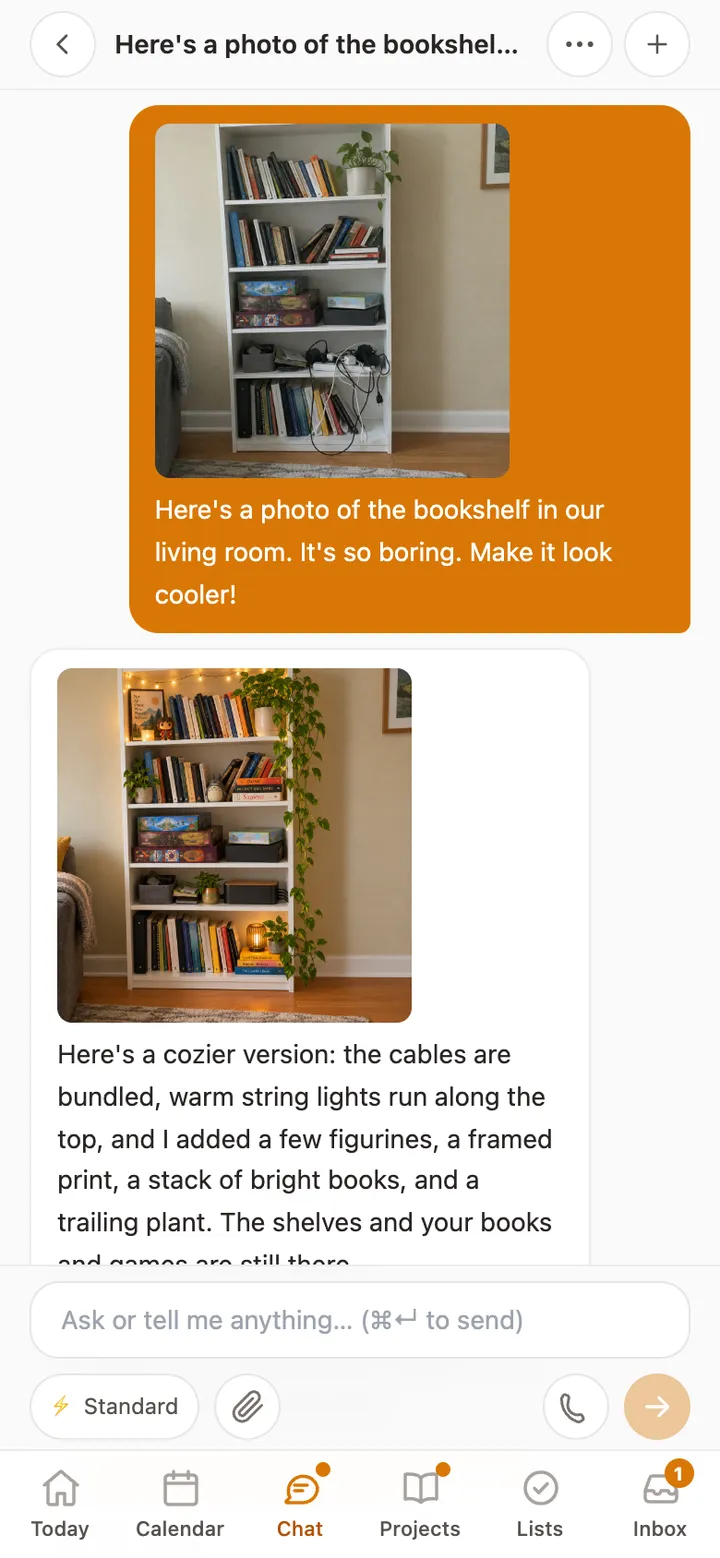
- Say what you’d like: “Add these dates to the calendar,” “Help me with question 3,” or “Make this shelf look cozier.”
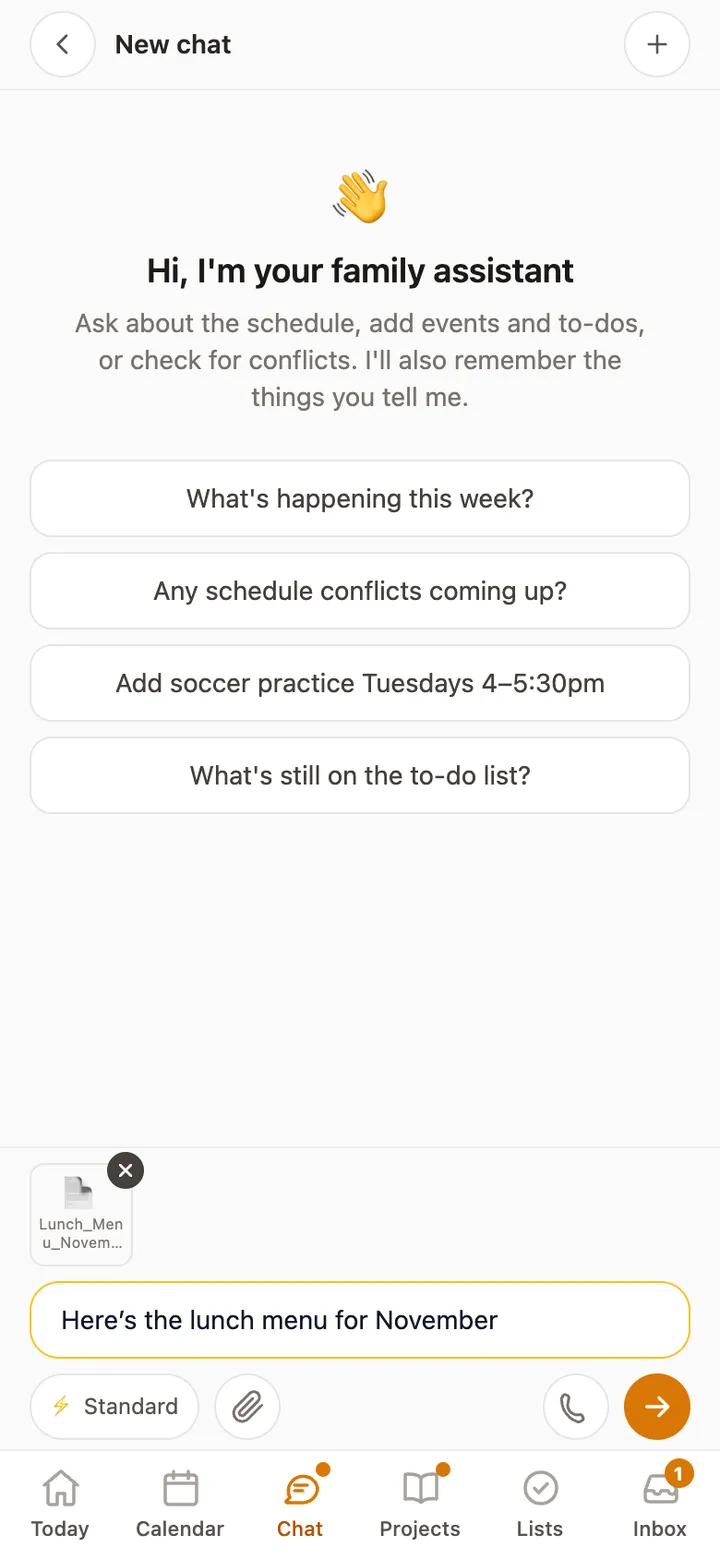
Show Rumpus a flyer, a lunch menu, a worksheet or a room, and say what you’d like done with it.
For a child, sending and changing photos is a switch a parent turns on.
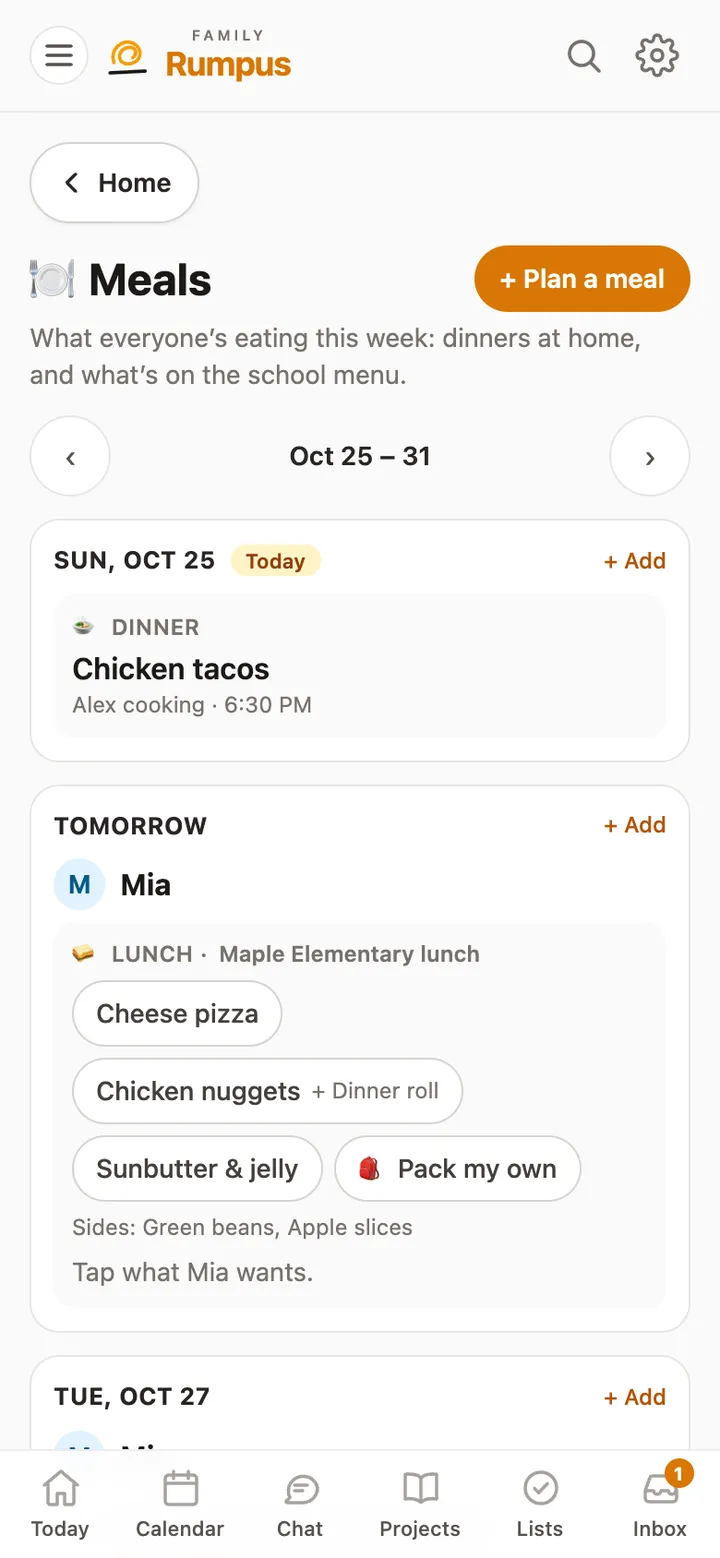
Plan the week’s dinners, keep the school lunch menu in one place, and let kids pick what they’ll have.
Read the guide →
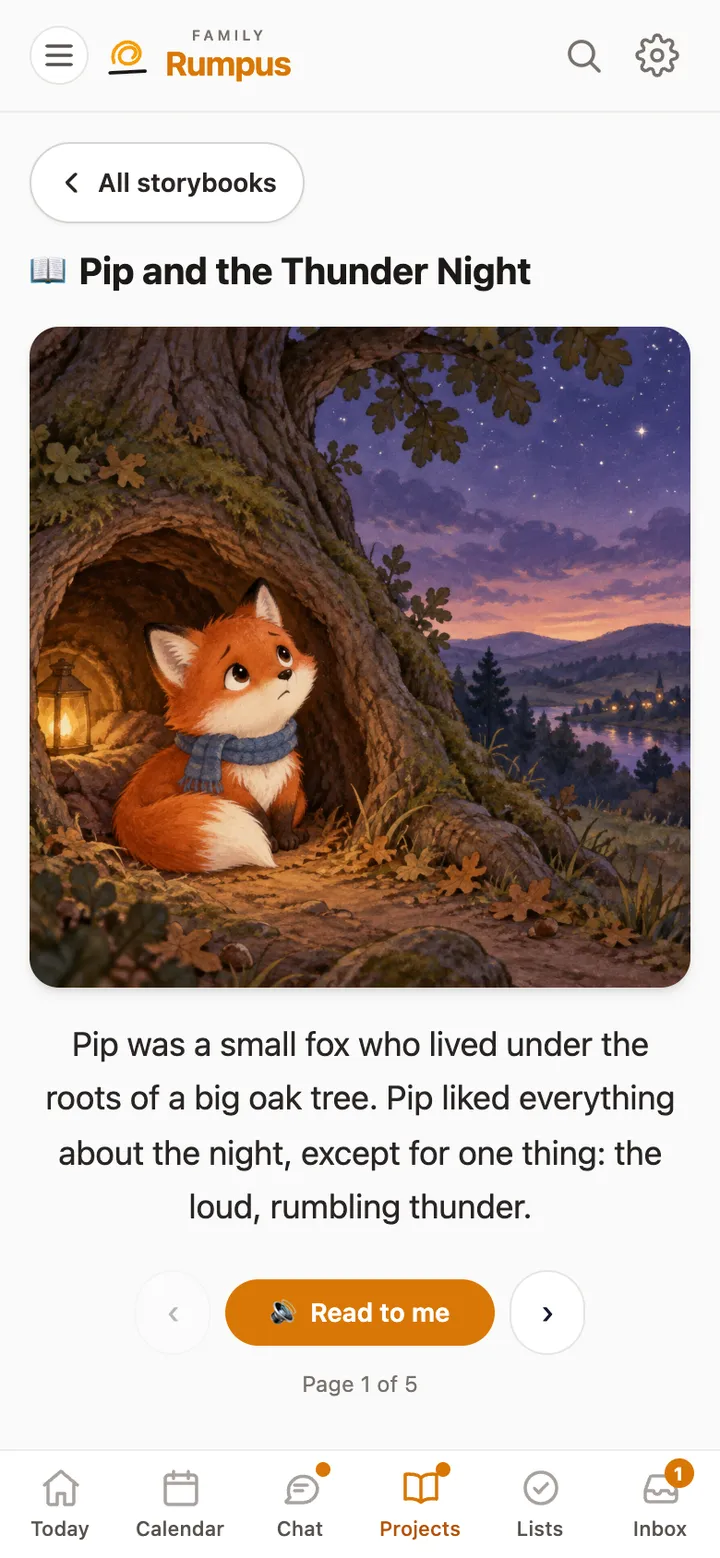
Keep research, plans and mood boards together, and make illustrated storybooks that read themselves aloud.
Read the guide →
Still stuck? Email [email protected] with what you tapped and what happened. A real person reads every message.